
Gmail avatar, email signature: why your emails aren't being opened
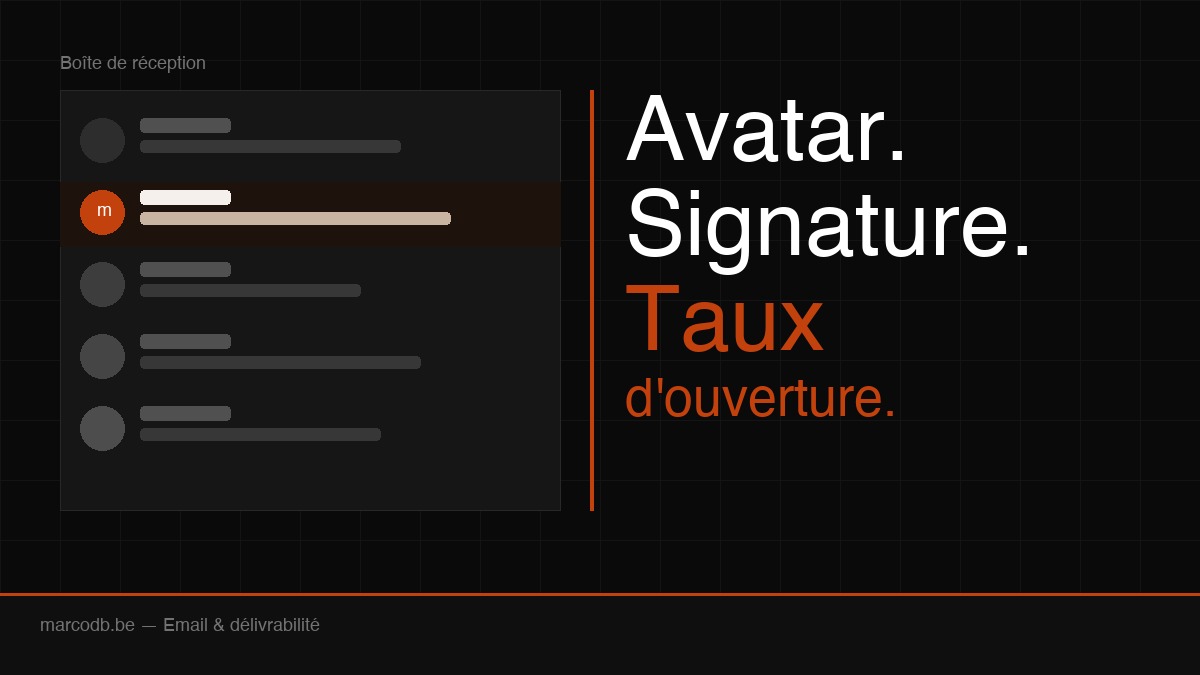
You send a professional email. Before the recipient even decides to open it, they see three things: your sender name, the subject line, and a small image on the left. That image is your avatar. If it's empty, generic, or missing — your email has already lost.
Average B2B open rates sit around 20 to 30 %. Some senders consistently hit 50 %. The difference isn't just the subject line: it's the trust you project before the email is even opened.
Why your Gmail avatar matters more than you think
When someone receives an email, the decision to open or ignore it takes less than 2 seconds. The eye scans: sender, subject, preview. The avatar is the first thing the eye catches — it's on the left, it has colour, it creates (or doesn't) instant recognition.
A missing or generic avatar (initials in a randomly coloured circle) implicitly says: I'm not sure who you are. A clean, professional, recognisable avatar says: I know you, I've seen this face or logo before.
For personal emails or emails from a Google Workspace account, the avatar comes from your Google profile photo. For marketing emails sent through tools like Mailchimp, Brevo, or ActiveCampaign, there's a specific standard for this: BIMI.
BIMI: the standard that puts your logo in Gmail
BIMI stands for Brand Indicators for Message Identification. In plain terms: it's the protocol that lets your logo appear next to your sender name in Gmail, Apple Mail, Yahoo Mail, and other email clients.
Gmail has supported BIMI since 2021. When properly set up, recipients see your logo — not initials, not a blank space — directly in their inbox, before they even open the email.
The effect is twofold. First: immediate visual recognition. Second: Gmail displays a verification badge (a blue checkmark) next to the logo, signalling that the email is authentic and the sender's identity has been verified.
What you need to activate BIMI
BIMI isn't just an image you upload somewhere. It requires solid technical foundations:
- SPF (Sender Policy Framework) — a DNS record listing the servers authorised to send email on behalf of your domain
- DKIM (DomainKeys Identified Mail) — a cryptographic signature proving the email wasn't modified in transit
- DMARC at enforcement level — your DMARC policy must be set to
p=quarantineorp=reject, not justp=none. This is the non-negotiable prerequisite for BIMI - An SVG logo in a specific format — vector, square, opaque background, no transparency
- A BIMI DNS record — a TXT record pointing to your logo file
For the verification badge (the blue checkmark in Gmail), you also need a VMC (Verified Mark Certificate), issued by authorities such as DigiCert or Entrust. This certificate costs between €1,000 and €1,500 per year — most relevant for companies sending high email volumes.
For SMEs, a realistic goal is to have SPF + DKIM + DMARC properly configured, with a BIMI record pointing to the logo. That's enough to display the logo in most email clients.
Email signatures: what you're probably getting wrong
The avatar determines whether the email gets opened. The signature determines whether the reader calls you back, visits your site, or forgets you five minutes after reading.
A good email signature isn't a block of text with your name and phone number. It's a visual element that reinforces your professional identity with every email you send.
What an effective signature should include
The essentials:
- First name, last name, title
- Company + website (clickable link)
- Phone number
- Optionally: LinkedIn, a link to your services
What to avoid:
- Images only (many email clients block images by default)
- Inspirational quotes in italics (they serve no purpose and look dated)
- Too much information (more than 6 lines, nobody reads it)
- Attached "vCard" business card files
What actually makes a difference:
- A small logo (under 100px height)
- A clear visual separator between your content and the signature
- A subtle CTA — "Book a call" or "See our work" — with a direct link
HTML or plain text?
HTML signatures let you include a logo, formatting, and clickable links. That's what gives a professional look. But it must be lightweight and tested on mobile, because over 60 % of emails are opened on smartphones.
A heavy signature (lots of images, nested tables) renders poorly on mobile and can trigger spam filters. The rule: simple, clean, under 80px total height.
Other levers to improve your open rates
The avatar and signature address sender credibility. But there are other variables that directly influence whether your emails get opened.
The subject line: always the primary lever
The subject line drives between 40 and 50 % of opens. A few simple rules that make a real difference:
- Under 50 characters — anything longer gets cut on mobile
- No excessive capitals — it looks like spam
- Avoid spam trigger words — "FREE", "URGENT", "Limited offer", "Click here"
- Direct question or clear interest — "Is your site visible on ChatGPT?" outperforms "Newsletter #12"
- Personalisation — adding the recipient's first name to the subject line increases open rates by 10 to 15 % on average
The preheader: the text nobody configures
After the subject line, Gmail shows a snippet of text — that's the preheader. By default, it pulls the first words of your email. If your email starts with "If this email doesn't display correctly, click here to view it online", that's what your recipients see.
Configure a specific preheader. It's a second hook that completes the subject line. Example: subject "Is your site visible on ChatGPT?" + preheader "Most Belgian sites aren't. Here's how to change that."
Send timing
Studies consistently point to a few higher-performing windows in B2B: Tuesday and Thursday mornings between 9am and 11am. Avoid Monday mornings (inboxes are full from the weekend) and Friday afternoons.
For transactional emails (confirmations, invoices), timing doesn't matter. For newsletters and commercial emails, it moves the needle by a few percentage points.
Domain reputation
If you're sending emails from a domain without SPF, DKIM, or DMARC, some of your emails are landing in spam — and you don't even know it. Gmail and Outlook silently score your domain with every send.
A clean domain (full authentication, no spam complaints, clean lists) lands in the inbox. A poorly configured domain lands in spam even for contacts who know you.
What this looks like in practice
A complete email audit for a business typically covers: SPF/DKIM/DMARC verification, BIMI setup (where applicable), creating a consistent HTML signature, reviewing sending practices. A few hours of work that permanently improves deliverability and professional perception.
If you want to go through this for your business or your site, get in touch. We'll take stock of what's in place and what's missing.
FAQ
What is BIMI in email?
BIMI (Brand Indicators for Message Identification) is an email standard that lets you display your company logo next to your sender name in Gmail, Yahoo Mail, and Apple Mail. It requires proper DMARC configuration and a specific DNS record.
Does my logo appear automatically in Gmail?
No. For emails sent from Google Workspace, your Google profile photo appears. For marketing emails (newsletters), you need to configure BIMI. Without it, Gmail shows either initials or nothing.
Is BIMI required for good open rates?
No, it's not required. But email authentication (SPF, DKIM, DMARC) is essential to avoid landing in spam. BIMI is an additional layer that improves visibility and trust.
What's the difference between SPF, DKIM, and DMARC?
SPF lists the servers authorised to send email for your domain. DKIM cryptographically signs each email to prove it hasn't been altered. DMARC tells receiving servers what to do if SPF or DKIM fails (ignore, quarantine, or reject). All three together form the standard email authentication setup.
How much does BIMI implementation cost?
The basic technical configuration (SPF, DKIM, DMARC, BIMI record) is included in any properly built web project. The VMC (certificate required for the Gmail verification badge) costs between €1,000 and €1,500 per year — relevant for high-volume senders.
What's the right length for a professional email signature?
Under 80 to 100px height in your email client. In text: first name, last name, title, company, phone, website — that's enough. Add a logo if your company has one. Remove quotes and "confidentiality" banners.
What open rate is normal for B2B emails?
Between 20 and 35 % depending on the sector and list quality. Below 15 %, there's usually a deliverability problem (spam) or a content relevance issue. Above 40 %, you have an engaged list and subject lines that work.
If your emails are landing in spam, your domain doesn't have SPF/DKIM/DMARC, or you simply want an audit of your email setup — get in touch. It's usually less complicated to fix than you'd think.