
Lovable, Webflow, Wix: when to migrate to a custom-built site
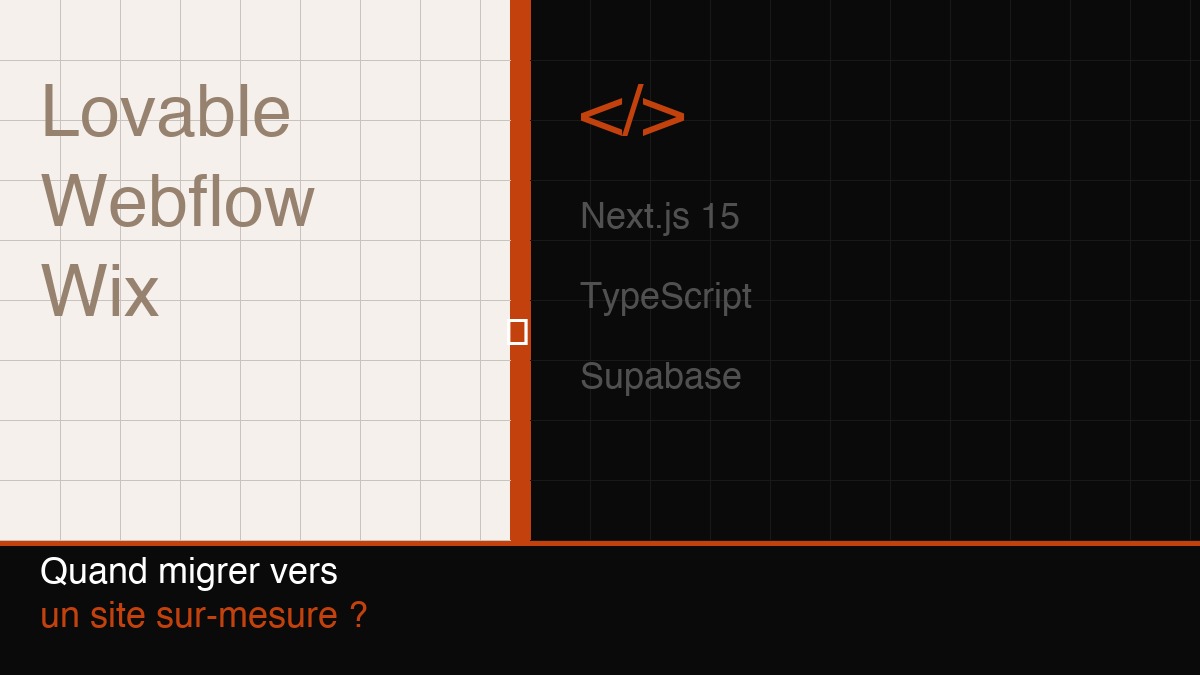
You launched your site with Lovable, Webflow, or Wix. It was fast, clean, good enough. And for a while, it genuinely was.
Then you wanted to add a multi-step application form. Or connect your site to a database. Or run the whole thing in two languages. And that's when you started fighting the tool.
This pattern repeats. Not because no-code tools are bad — they're not. But because they were designed for a specific use case, and at some point, your project outgrows it.
What no-code tools do well
Let's be honest first.
Lovable, Webflow, Framer, Wix, Squarespace — these tools let you put a site live in days, without a developer, for a few hundred euros a year. For many projects, that's exactly what's needed.
A 5-page showcase site for a local business? Webflow or Wix handles it perfectly. A landing page to validate an idea? Lovable or Framer in 24 hours. A simple online shop? Shopify without a second thought.
No-code has also radically lowered the barrier to entry on the web. Ten years ago, launching a clean site required a budget of several thousand euros. Today, the right no-code tool gives decent results for a fraction of that.
So the starting point isn't "no-code is bad." It's "no-code has limits, and those limits become visible at a specific moment."
Why it blocks at some point
Performance plateaus
No-code tools generate code. Code you don't control. Unnecessary tags, unoptimised JavaScript, uncompressed images — it all accumulates.
On Google, loading speed is a ranking factor. On AI search engines (ChatGPT, Perplexity), a slow site often gets ignored. And for your users, every extra second of loading time means a higher percentage who close the tab.
A hand-built Next.js site with proper optimisations loads in under a second. An average Wix site: two to four seconds. That's not trivial.
There's no real backend
Most no-code tools connect to third-party services through integrations (Zapier, Make, etc.). That's fine for simple cases. But the moment you need to store structured data, manage file uploads, send personalised emails, or implement any slightly complex business logic — you're building a chain of workarounds.
Every third-party integration is a point of failure. A pricing change at one of the tools breaks the whole workflow. And you have no control over what's actually happening behind the scenes.
Customisation has a ceiling
Webflow lets you do a lot. Until you want to do something Webflow didn't plan for. Then you're either making do with what exists, or hacking custom code into an editor that wasn't built for it.
The same logic applies to all these tools. They cover 90% of common needs. The problem is that the remaining 10% is often exactly what you need to differentiate yourself.
Internationalisation is often painful
Building a bilingual FR/EN site on Webflow or Wix is doable. But it's often fragile: poorly structured URLs, incorrect hreflang tags, a content management setup that doubles your maintenance burden.
For a bilingual site that also needs to rank in both languages, no-code hits its limits pretty quickly.
The 4 signals that say "it's time"
1. You're working around the tool more than you're using it
If you're spending time hunting for workarounds, stacking third-party integrations to do things that should be simple — that's a signal. The tool has become an obstacle, not an accelerator.
2. Your web performance is degrading
Open PageSpeed Insights and check your site's mobile score. Below 70, you're losing search ranking and users. If you can't improve that score without touching the code the tool generates, you're stuck.
3. You need a real backend
Forms connected to a database, file uploads, user accounts, automated notifications, candidate tracking, internal dashboards — as soon as this kind of need shows up, no-code alone won't cut it.
4. Your site no longer reflects your level
This is the most subjective signal, but often the most telling. Your business has grown, your clients expect more, your AI-generated site looks like everyone else's. The design no longer differentiates you.
What changes in practice: the Korsa case
Korsa Talent is a Belgian recruitment agency specialising in placing young graduates in Business, Engineering, Finance and Law.
Their existing site had been generated with Lovable. Clean, quick to launch. But they were running into three concrete problems: application forms that were too limited, no backend to store candidate files, and a French-only site when part of their client base is English-speaking.
The migration went to Next.js 15 with a Supabase backend. Concretely:
- Multi-step application forms connected directly to a database (candidates, companies, applications — three separate tables)
- CV uploads to a private Supabase bucket, accessible only to the Korsa team
- Bilingual FR/EN site via next-intl, with clean URLs in both languages
- Continuous deployment on Vercel — every update is live in seconds
The result: the Korsa team manages all applications independently through the Supabase dashboard. No more emails with lost attachments, no more parallel Excel spreadsheets. Everything is centralised, structured, secured.
The design stayed almost identical to the original — intentionally. The migration wasn't a visual redesign; it was a replacement of the technical infrastructure with something solid. The project is in my portfolio.
When migration isn't worth it
Let's be clear about the other side.
If you have a stable 5-page showcase site that won't evolve significantly — staying on Webflow or Wix is the right call. A custom migration costs between €3,000 and €12,000 depending on complexity. If the need doesn't justify that investment, don't do it.
Similarly if you're still in validation mode. Before you know whether your product or service finds its market, a no-code tool is perfect for testing fast and cheap. Investing in custom development before validating your hypotheses means risking over-building something that's about to change direction.
Migration makes sense when:
- Your business is established and stable
- You have technical needs your current tool doesn't cover
- You have a budget to do it properly
- The site is an important business channel
What it looks like in practice
A no-code → custom migration doesn't happen in a week. Here are the realistic steps.
Audit of the existing site: what works, what doesn't, what we keep (design, content, URLs where possible to preserve SEO).
Stack choice: for most projects in 2026, Next.js 15 + Supabase + Vercel is a solid base. Performant, scalable, with a managed backend that doesn't require you to manage servers.
Content migration: text content moves easily. Images sometimes need processing (modern formats, resizing). URLs need to be planned to avoid breaking existing search rankings.
Backend and integrations: this is where the time goes. Modelling the data, setting up forms, configuring file storage, transactional emails, permissions. No magic — just clean work.
Testing and deployment: we don't switch all at once. We test, validate, and migrate progressively.
Realistic timeline for a project at Korsa's scale: 4 to 8 weeks depending on feature complexity.
If you want to see how it's structured, I cover my services in detail on the dedicated page.
FAQ
Lovable generates React code — isn't that "real" code?
Yes, Lovable generates React code. You can export it. But that code is auto-generated with no consideration for maintainability or performance. Picking it up and evolving it often takes as much work as starting from scratch.
Can we migrate without destroying our SEO?
Yes, as long as 301 redirects are planned correctly. Every old URL needs to point to the new one. If your domain has authority and backlinks, we preserve that. It's an important focus in any migration.
Webflow has a CMS — isn't that enough for a backend?
Webflow's CMS is useful for editorial content (articles, products, team pages). But for storing user data, managing file uploads, applying complex business logic, or exposing an API — no, it's not built for that.
What does a custom site cost?
For a showcase site with a few pages and a contact form, budget €3,000 to €5,000. For a project with a backend, complex forms, bilingualism, and integrations — €5,000 to €12,000. These are ranges: every project is different.
Can the site evolve later without being locked into you?
Yes. I deliver documented projects with readable code. If you have an in-house developer or want to switch provider later, you can — without starting from scratch. That's a criterion I apply to every delivery.
Is Supabase reliable for sensitive data like CVs?
Yes. Supabase uses PostgreSQL with granular security policies (Row Level Security). Files stored in a private bucket are only accessible via signed tokens, never publicly. It's infrastructure used by thousands of startups and companies in production.
Does it have to be Next.js, or are there other options?
Next.js is my default choice in 2026 because it covers most needs well: performance (Server Components), SEO (server-side rendering), i18n, Vercel deployment. For other contexts, other stacks may make more sense. But for a showcase site with a lightweight backend, it's hard to beat right now.
No-code is a good starting point. At some point, it becomes a ceiling. If you feel like you're fighting your site instead of making it work for you, it's probably time to talk. Get in touch — we'll take stock together and see if a migration makes sense for your situation.